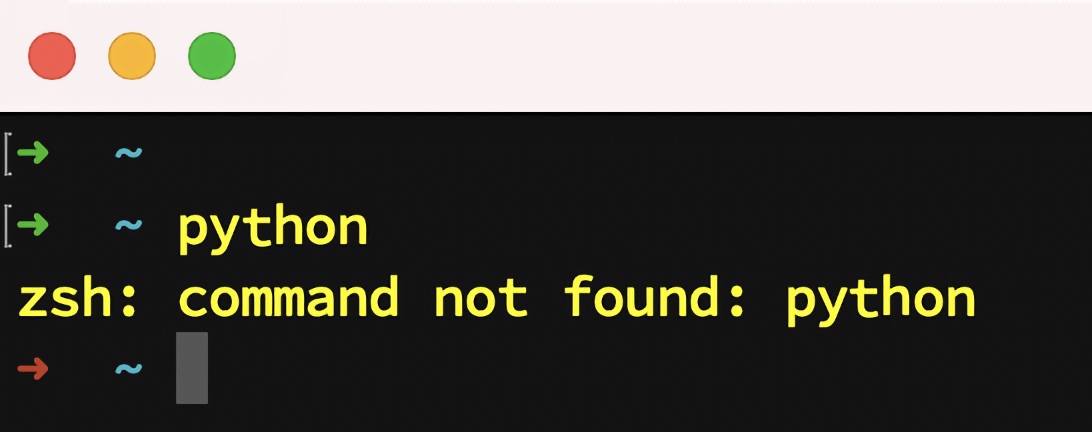
Welcome soon-to-be Python user! Python is one of the easiest programming languages to learn and grow with. But there can be a bump right at the beginning: making sure you have Python installed with a sufficiently new version (3.12+ is recommended these days).
Good news! In 2025, installing Python has become incredibly simple thanks to uv -- a blazing-fast Python package and project manager that also handles Python installation. With uv, you get one tool that works the same way on Windows, macOS, and Linux. Hear all about it on Talk Python.
The process is just two steps:
- Install uv (one command)
- Install Python with uv (one command)
That's it! Jump to your operating system to get started:
Open PowerShell or Windows Terminal and run:
powershell -ExecutionPolicy ByPass -c "irm https://astral.sh/uv/install.ps1 | iex"After installation completes, close and reopen your terminal for the changes to take effect.
Now install Python 3.14 with a single command:
uv python install 3.14You'll see output like:
Searching for Python 3.14
Installed Python 3.14.2 in 2.34s
 + cpython-3.14.2-windows-x86_64-none
uv run python -VYou should see:
Python 3.14.2
You're all set! 🎉
Open the Terminal and run:
curl -LsSf https://astral.sh/uv/install.sh | shAfter installation completes, close and reopen your terminal for the changes to take effect.
Now install Python 3.14 with a single command:
uv python install 3.14You'll see output like:
Searching for Python 3.14
Installed Python 3.14.2 in 1.89s
 + cpython-3.14.2-macos-aarch64-none
python -V

# or

uv run python -V
You should see:
Python 3.14.2
You're all set! 🎉
Open a terminal and run:
curl -LsSf https://astral.sh/uv/install.sh | shAfter installation completes, close and reopen your terminal (or run source ~/.bashrc or source ~/.zshrc) for the changes to take effect.
Now install Python 3.14 with a single command:
uv python install 3.14You'll see output like:
Searching for Python 3.14
Installed Python 3.14.2 in 1.52s
 + cpython-3.14.2-linux-x86_64-gnu
python -V

# or

uv run python -V
You should see:
Python 3.14.2
You're all set! 🎉
Once you have uv installed, you'll typically work within virtual environments for your projects. uv makes this simple:
Navigate to your project folder and run:
uv venv --python 3.14This creates a .venv folder in your project. If Python 3.14 isn't already installed, uv will automatically download and install it for you.
Windows (PowerShell):
.venv\Scripts\Activate.ps1macOS / Linux:
source .venv/bin/activateOnce activated, you can use python directly:
python -VWith uv, installing packages is lightning fast:
uv pip install requestsOr add dependencies to a project:
uv add requestsNeed multiple Python versions? uv handles that too:
uv python install 3.12 3.13 3.14List installed versions:
uv python listCreate a virtual environment with a specific version:
uv venv --python 3.12uv is developed by Astral, the creators of Ruff (the popular Python linter). It's designed to be:
- ⚡️ Blazing fast -- 10-100x faster than pip
- 🐍 Python version manager -- installs and manages Python itself
- 📦 Package manager -- replaces pip, pip-tools, and virtualenv
- 🔒 Lockfile support -- reproducible environments
- 🖥️ Cross-platform -- works identically on Windows, macOS, and Linux
One tool. No complexity. Just Python.
If you find a problem or have a suggestion to make this page better, please visit the GitHub repository here. Note that this is not intended for tech support but rather for genuine, broadly applicable improvements to the instructions: